
 Karyanetra
Free for teams of up to 10 users
Keep every client request, issue, and change under control.
One place for requests, owners, and deadlines.
Every request has an owner, a date, and a way to close. Clients see progress. Teams see priorities. Leads see everything.
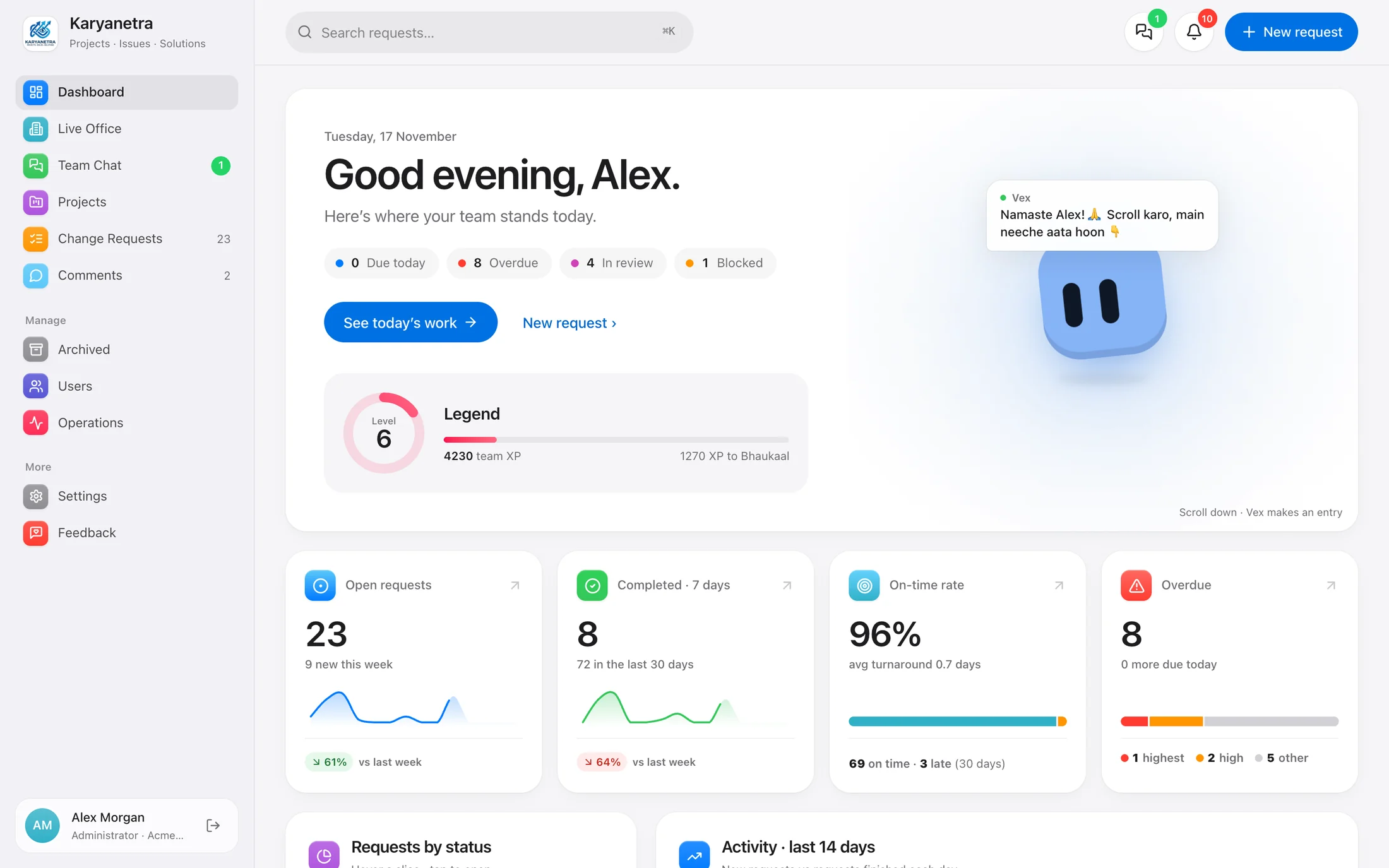
Everything, at a glance.
Monitor status totals, overdue requests, oldest open work, and team workload on a live dashboard.
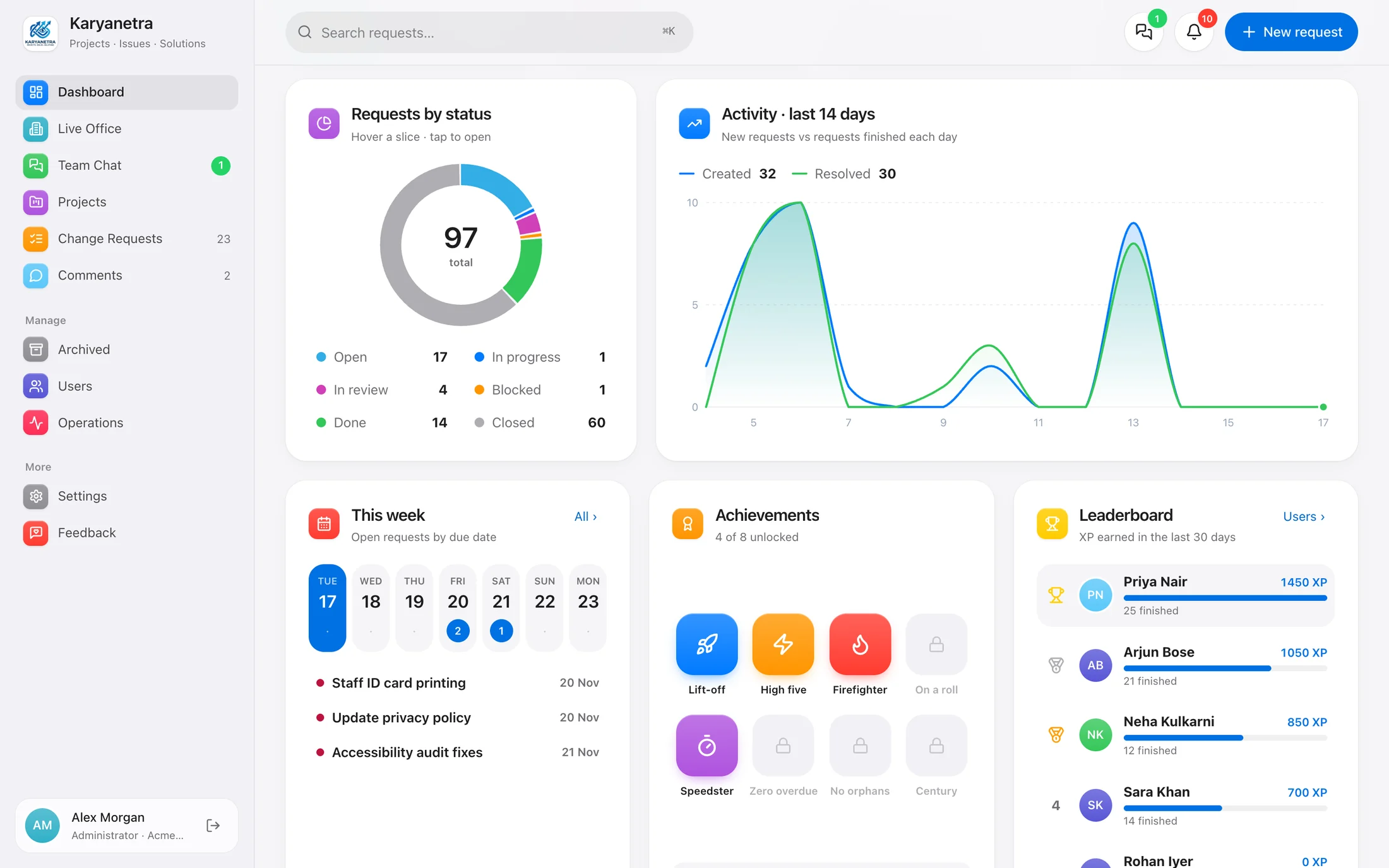
Work, people and conversation. Together.
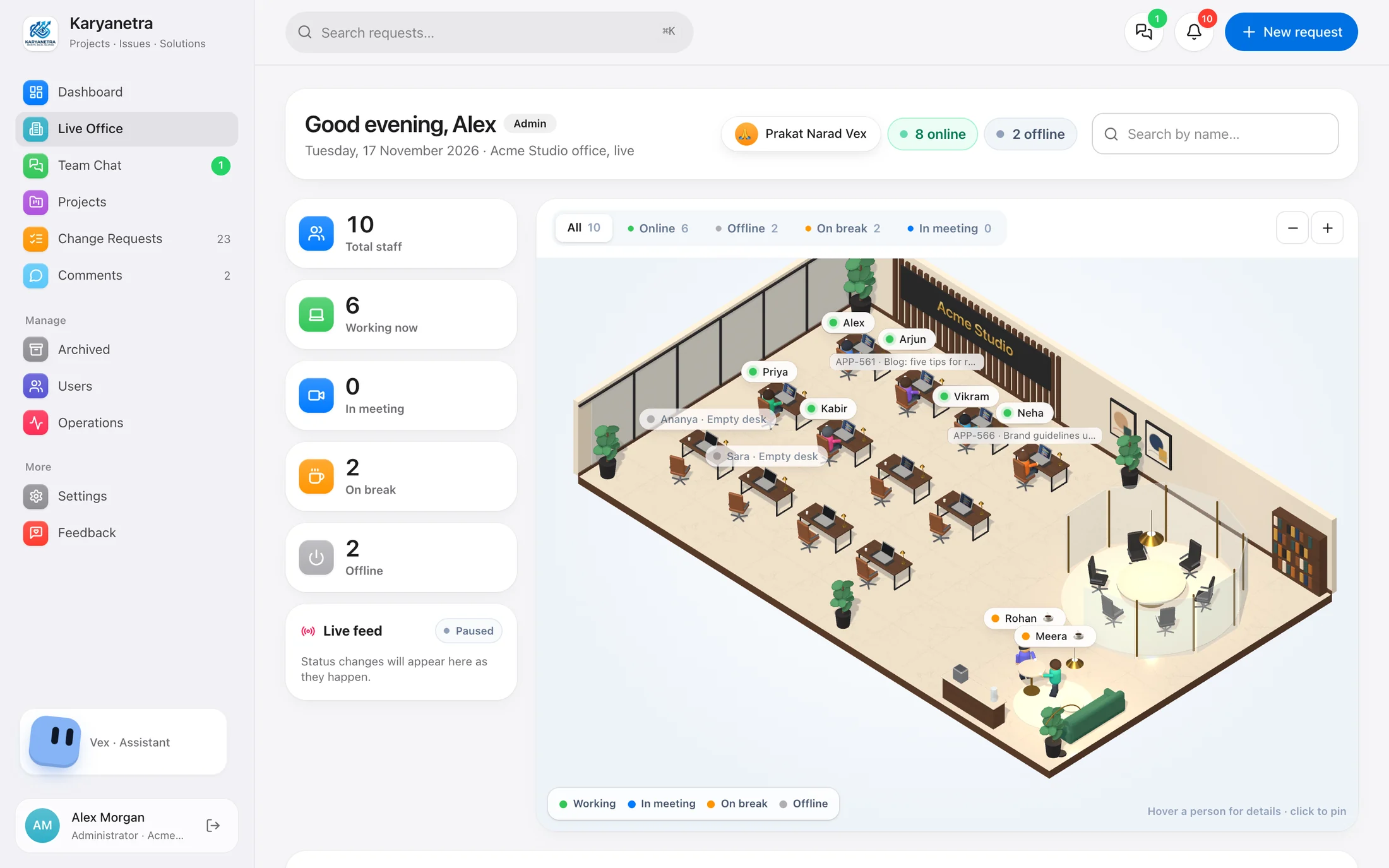
See who is working on what, live.
A glance at your whole team: who is working, who is in a meeting, who is on a break, and the request each person is on.
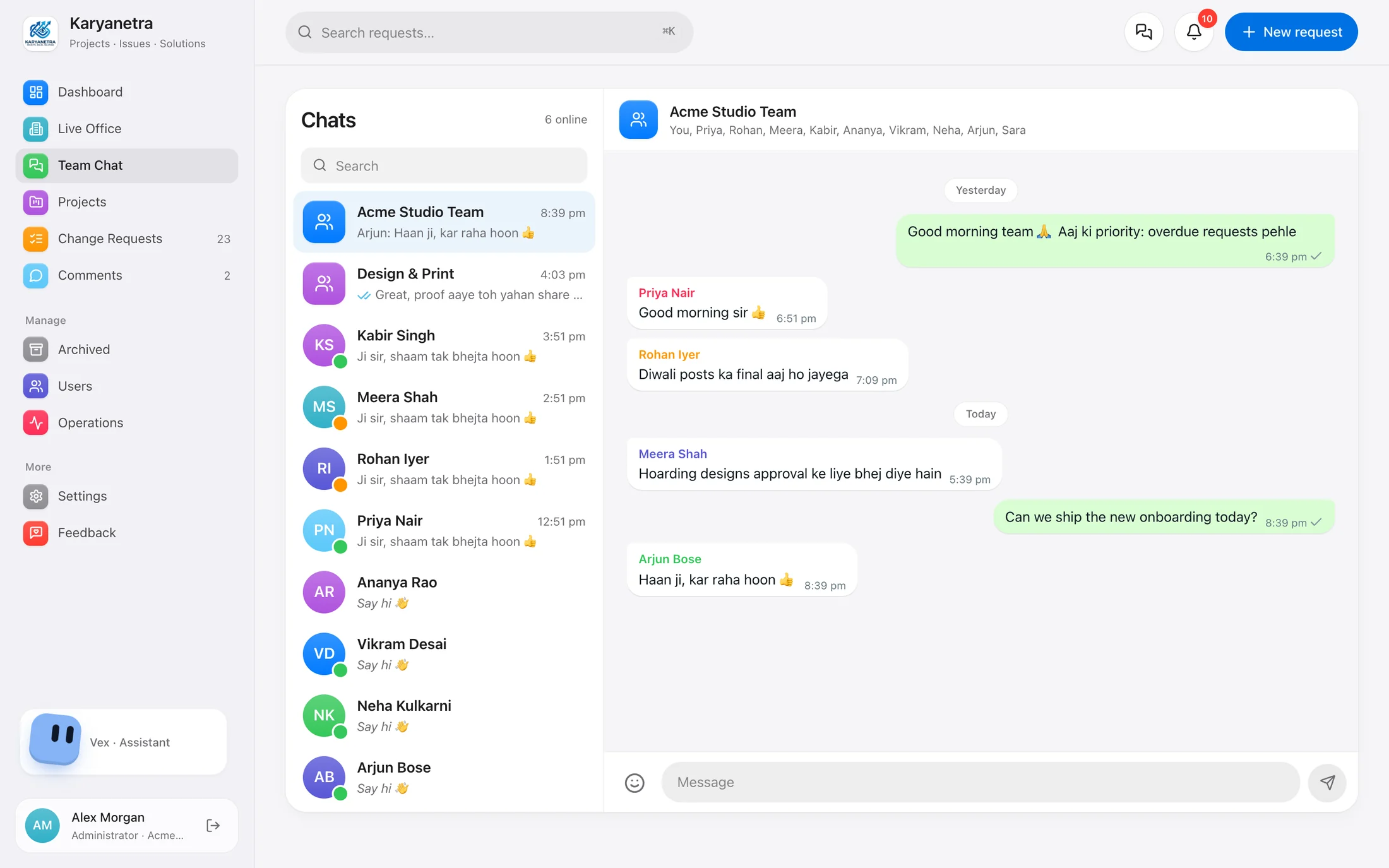
Team chat that knows the work.
Direct chats and groups, with typing indicators and read receipts.
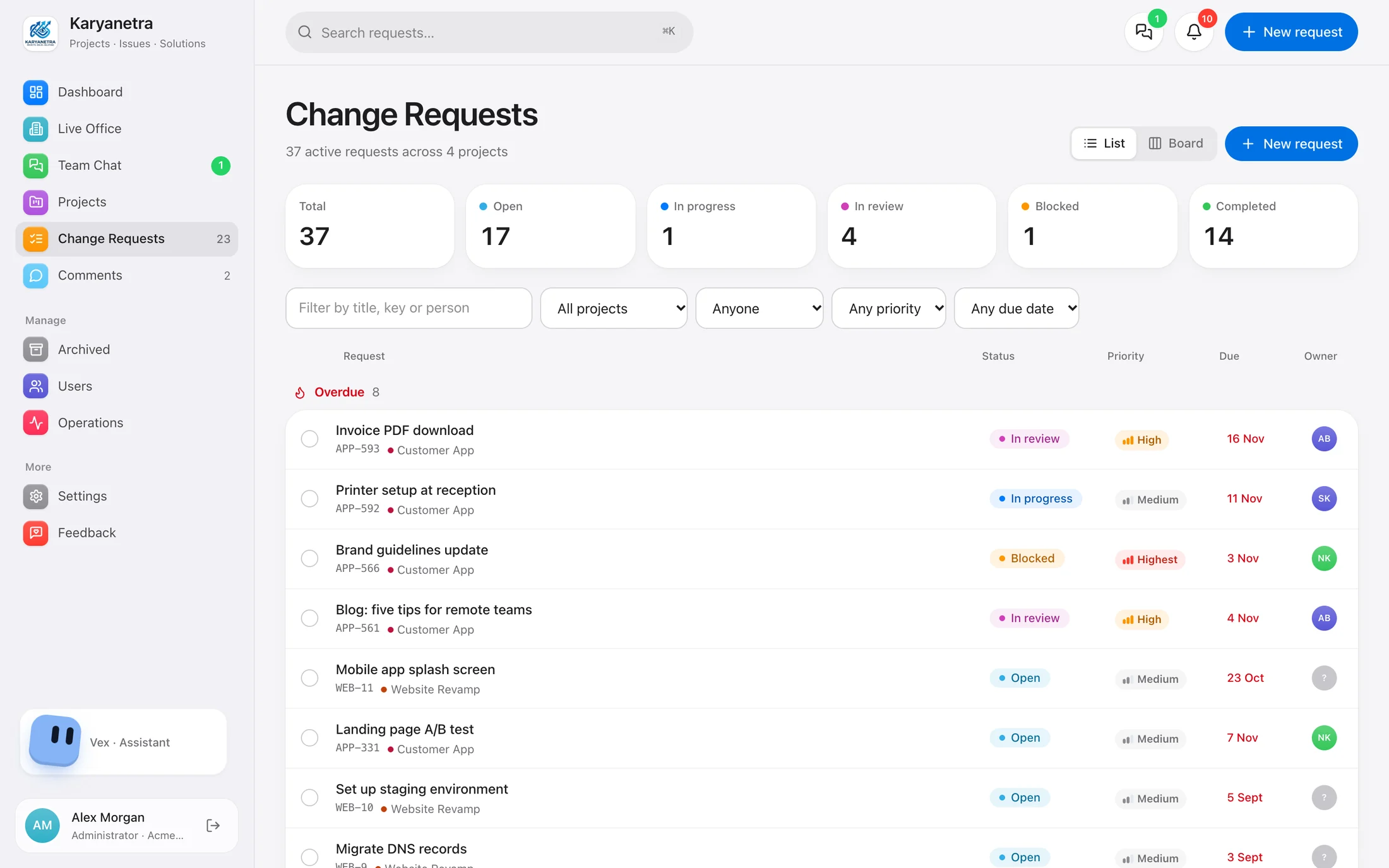
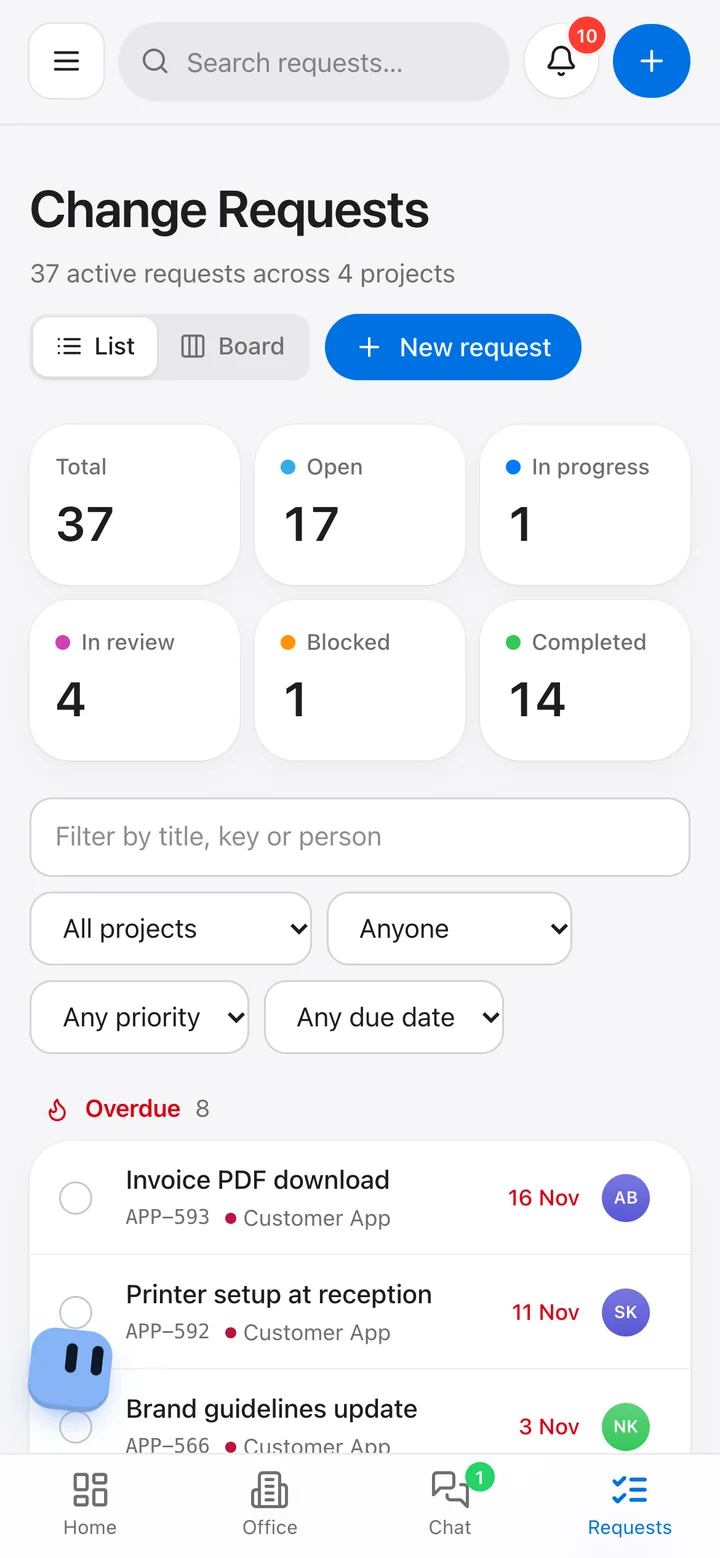
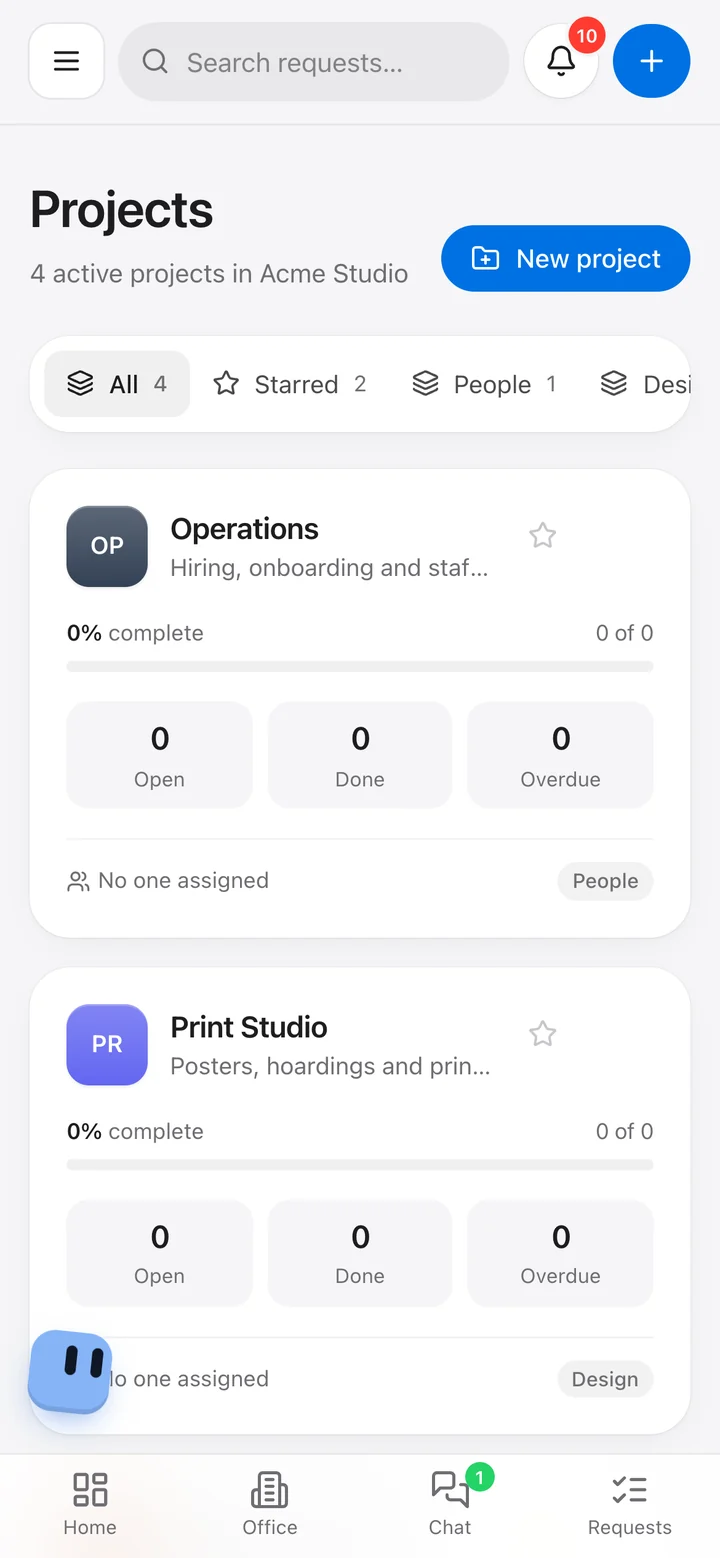
Every request, in one clear list.
Status, priority, due date and owner, grouped by what is due.
Clients see progress. Not your internals.
Clients can submit issues, add comments and attachments, and follow progress for linked projects. Internal notes, team discussions, and administrative actions remain private.
- Project-scoped client access
- Issue logging and comments
- Status and activity visibility
- Internal-only notes protected
Built for teams that turn incoming requests into accountable delivery.
Manage client issues, change requests, internal service requests, implementation work, and project delivery from one shared system of record.
Client support and issue tracking
Give clients a clean portal to raise issues, watch progress, add comments, and stay informed without exposing internal work.
Change request management
Capture enhancements, assign developers, track priority, dates, comments, files, and activity in one place.
Project delivery control
Project Leads and administrators get governance over movement, closure, overdue work, and accountability.
Internal IT and operations desk
Run requests for software teams, IT support, HR, facilities, product teams, or any tracked workflow.
A clear path from request to resolution.
Track every request through a consistent workflow. Dashboards reflect each stage, activity stays recorded, and final closure can remain with Project Leads or administrators.
- 1Open
- 2In Progress
- 3In Review
- 4Blocked
- 5Done
- 6Closed
A focused experience for every person involved.
Internal teams get the context and controls they need, while clients receive a simple view of their own projects and requests.
Administrators
Configure projects, users, operations defaults, permissions, notifications, dashboards, and organization settings.
Project Leads
Control delivery flow, review work, manage closures, and keep requests moving with clear ownership.
Developers and team members
See assigned work, update progress, comment, add attachments, and plan around target dates.
Clients
Log issues from their own portal, follow updates, add comments, and view request status without internal noise.
Management
Understand open work, overdue items, oldest requests, user-wise load, and project health at a glance.
The essential controls to keep requests moving.
Project boards
Organize requests by project and move them through a clear, controlled workflow.
Project Lead governance
Team members can update progress while leads and administrators retain closure control.
Activity notifications
Keep relevant users informed when comments, status, priority, ownership, or dates change.
Target dates and overdue
Set expected completion dates, surface overdue work, and act before delays grow.
Operational dashboards
Monitor status totals, overdue requests, oldest open work, and team workload.
Permission scoped
Show each user only the projects, requests, dashboards, and notifications relevant to their role.
Meet Vex.
A small blue friend who lives in the corner of your workspace, reacts to what your team does, and has a costume for every occasion.
Hi, I’m Vex.
Your work, available wherever you are.
The Karyanetra Android app is now available on Google Play, bringing dashboards, projects, request timelines, comments, activity alerts, and role-based access to your mobile team.
Get it on Google Play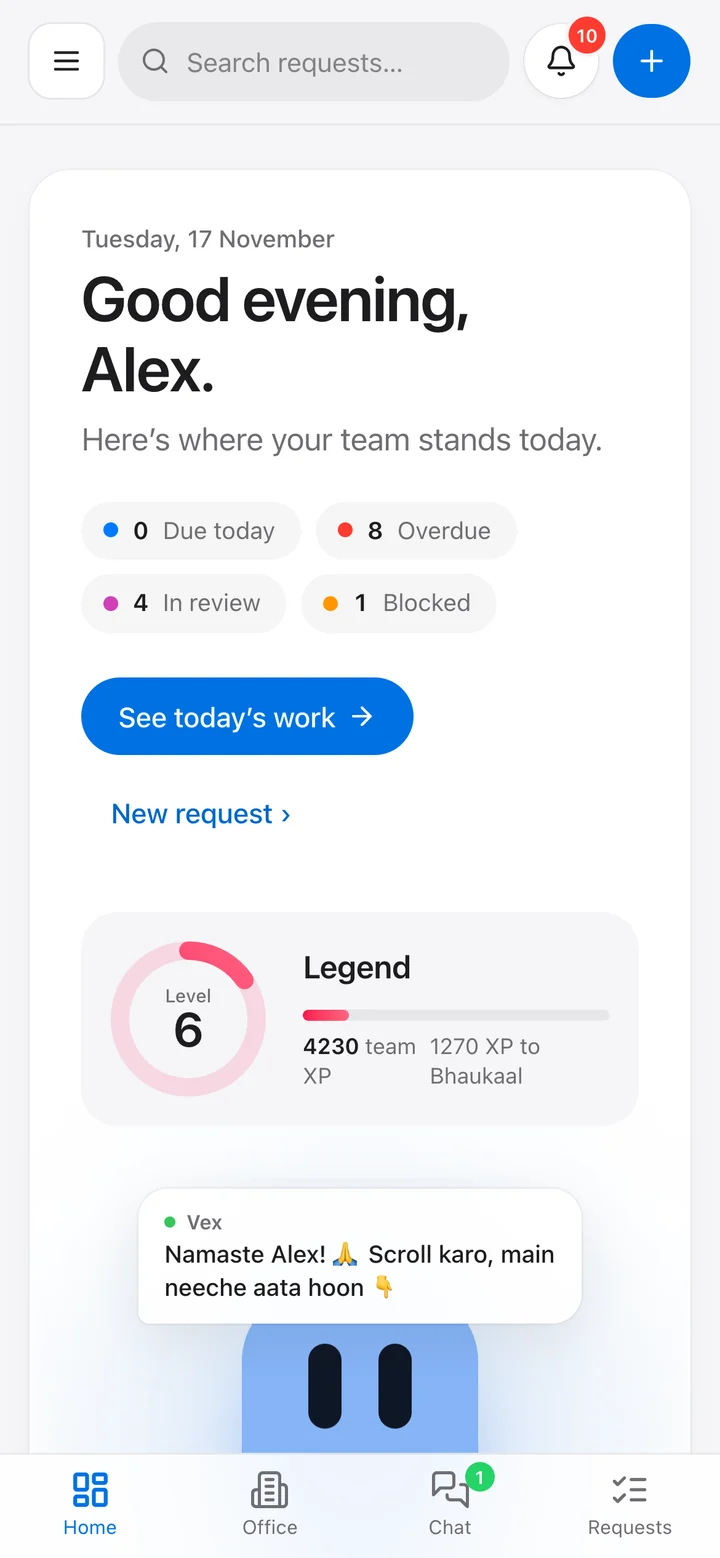
Start free. Add paid users only as your team grows.
Use Karyanetra free with up to 10 users. Add more users for ₹300 per additional user, per month.
Quick answers.
What is Karyanetra?
Karyanetra is task, request and change tracking software with a client portal, dashboards and an Android app. Every request has an owner, a date and an approval step.
Is Karyanetra free?
Yes, for teams of up to 10 users. Additional users are ₹300 per user per month.
Who is Karyanetra for?
Teams that take work from clients or other departments: software and IT service companies, agencies, and support and operations teams.
Can clients use it?
Yes. Clients get their own portal to raise issues, comment, add attachments and follow progress on the projects they are linked to. Internal notes stay private.
Is there a mobile app?
Yes, an Android app on Google Play. The web app works in any browser.
Does Karyanetra monitor employees with screenshots?
No. Karyanetra tracks work by requests, owners and dates. It does not take screenshots or record screens.
How does a request get closed?
Requests move through Open, In Progress, In Review, Blocked, Done and Closed. Final closure can stay with the Project Lead or an administrator.
See how Karyanetra fits your workflow.
Tell us how your team currently manages issues and requests. We will show you how to structure projects, roles, workflows, dashboards, notifications, and client access.
For a useful demo, include your team size, current tools, monthly request volume, and any reporting or service-level requirements.